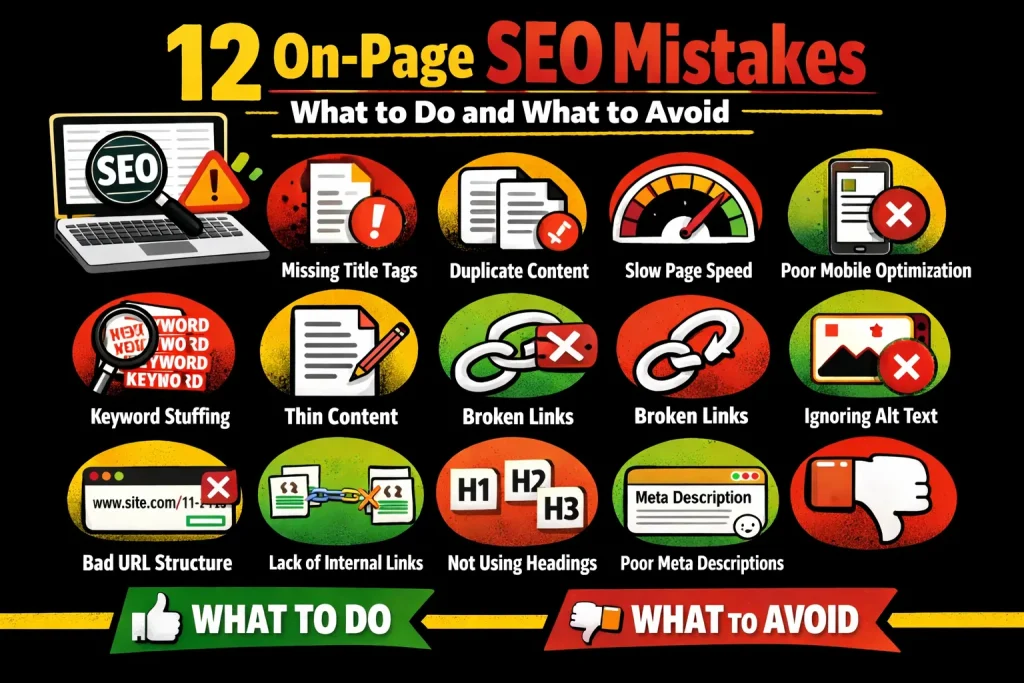
On-page SEO mistakes can quietly hold your website back—even when your content looks “good enough.” This guide breaks down the most common on-page SEO errors beginners make and shows exactly what to avoid and what to do instead to build pages that rank and convert.
Table of Contents
Introduction
On-page SEO is one of the most important foundations of search engine optimization, especially for beginners. It includes everything you can control directly on your website—content, keywords, structure, images, URLs, and user experience. When done correctly, on-page SEO helps search engines understand your pages and helps users find what they’re looking for. When done poorly, even small on-page SEO mistakes can prevent a page from ranking at all.
Many website owners assume poor rankings are caused by a lack of backlinks or technical SEO issues. In reality, common on-page SEO mistakes—such as keyword stuffing, weak content structure, missing meta tags, or poor usability—are often the real reason pages fail to perform.
Modern SEO isn’t just about pleasing algorithms—it’s about creating content that genuinely serves people while maintaining strong technical and structural signals that search engines can easily interpret. As Google continues to refine its systems with updates like the Helpful Content and Core Quality Updates, the importance of optimizing on-page elements has become greater than ever. Even well-written content can struggle to perform if its titles, meta descriptions, internal links, and headings aren’t strategically optimized.
This beginner-friendly guide explains 12 common on-page SEO mistakes, clearly outlining what to avoid and what to do instead. Whether you’re publishing your first blog post or improving existing pages, this article will help you fix on-page SEO errors, improve site performance, and build a strong foundation that aligns with how Google evaluates content today through helpful, people-first content.
What Are On-Page SEO Mistakes?
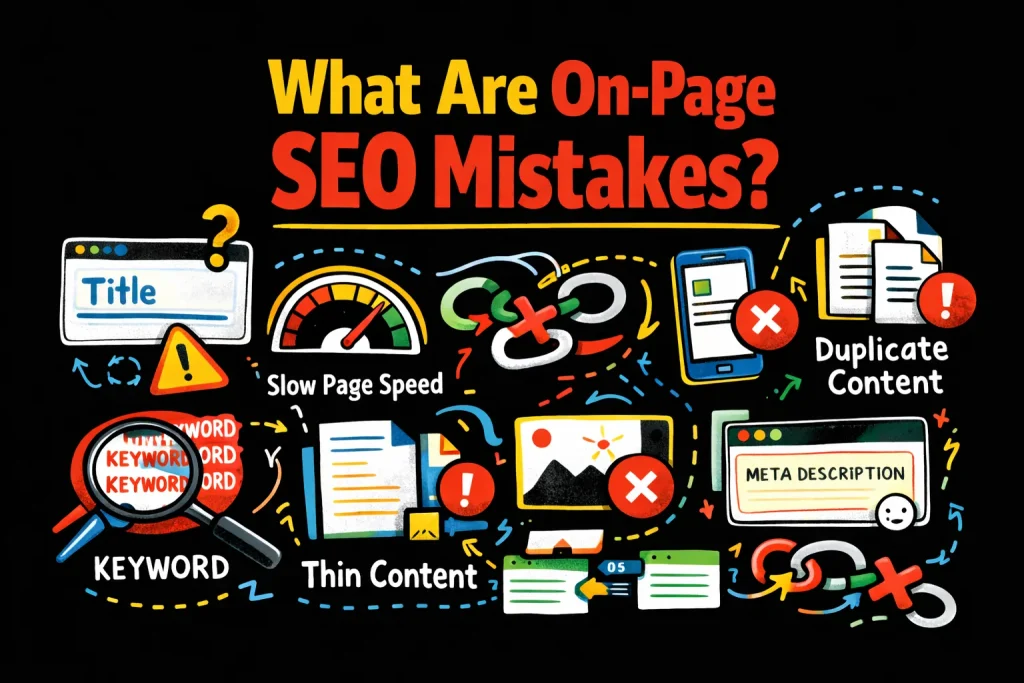
On-page SEO mistakes are errors made within a webpage—such as improper keyword usage, weak content structure, missing optimization elements, or poor user experience—that prevent search engines from understanding the page and users from engaging with it effectively. In most cases, these are issues you can fix without advanced technical skills, using resources like the Google SEO Starter Guide.
Mistake #1: Skipping Keyword Research
What to avoid:
One of the most common beginner on-page SEO mistakes is creating content without keyword research. Writing based on assumptions instead of real search data often leads to pages that don’t match search intent.
What to do instead:
Start with basic keyword research to understand what users are actually searching for. Focus on one main topic per page and support it with related phrases like on-page SEO errors, SEO mistakes to avoid, and on-page optimization mistakes. Free and paid tools (e.g., Semrush keyword research) can help you discover search volume, difficulty, and related topics.Why this matters:
Search engines prioritize relevance. If your content doesn’t match intent, it won’t rank—no matter how well-written it is.
Helpful resource:
Mistake #2: Keyword Stuffing
What to avoid:
Repeating the same keyword unnaturally throughout the content. Keyword stuffing is a classic on-page SEO problem that hurts readability and reduces trust.
What to do instead:
Use keywords naturally and support them with semantic and related phrases. Focus on clarity and usefulness rather than repetition, as recommended in most on-page SEO guides.
Why this matters:
Modern search systems and NLP models understand context, not just keyword frequency, so over-optimization can send Google spam policies my signals instead of relevance.
Mistake #3: Missing or Poor Title Tags
What to avoid:
Leaving title tags blank, duplicating them across pages, or writing vague titles that don’t describe the content.
What to do instead:
Write clear, descriptive, SEO-friendly title tags that naturally include your main keyword. Keep titles readable and user-focused, as emphasized in the SEO Starter Guide.
Why this matters:
Title tags influence both rankings and click-through rates and are one of the strongest on-page signals you control.
Helpful resource:
Quick Comparison: What Helps vs What Hurts On-Page SEO
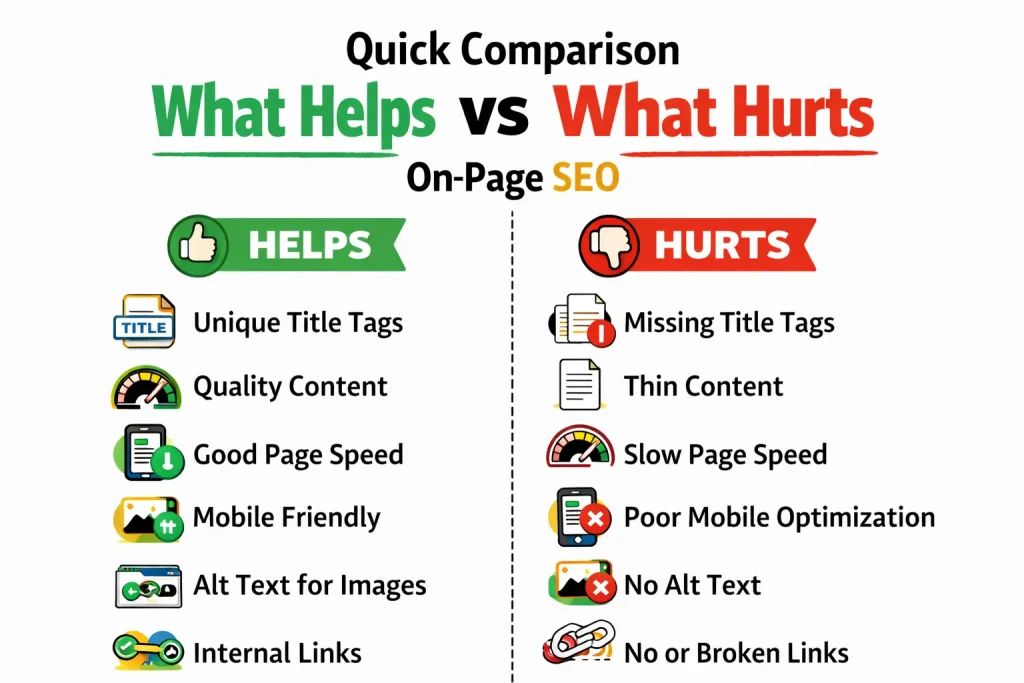
| Element | What Hurts SEO ❌ | What Helps SEO ✅ |
| Title Tags | Missing, duplicated, or vague titles | Clear, descriptive titles with a primary keyword and user benefit |
| Headings | Multiple H1s, inconsistent structure | One H1 with logical H2/H3 hierarchy for sections |
| Keywords | Keyword stuffing, forced repetition | Natural placement with semantic variations |
| Content | Thin, generic, or copied text | Helpful, original, and complete coverage of the topic |
Mistake #4: Ignoring Meta Descriptions
What to avoid:
Leaving meta descriptions empty or relying entirely on auto-generated snippets.
What to do instead:
Write concise meta descriptions that summarize the page and encourage clicks. Include your main idea and a light call to action, as recommended in many on-page SEO checklists.
Why this matters:
Meta descriptions don’t directly affect rankings, but they strongly influence CTR, which indirectly supports performance over time.
Mistake #5: Using Multiple H1 Tags
What to avoid:
Using more than one H1 tag or skipping the H1 entirely.
What to do instead:
Use one clear H1 that defines the page topic, then structure content with H2 and H3 subheadings. Most beginner on-page SEO guides stress the importance of a clean heading hierarchy.
Why this matters:
Proper heading structure improves readability, accessibility, and crawlability, making it easier for both users and search engines to scan your page.
Mistake #6: Poor Content Structure
What to avoid:
Large blocks of text without headings, spacing, or visual breaks.
What to do instead:
Break content into sections using headings, bullet points, and short paragraphs. Adding visuals, examples, and lists is a common recommendation in beginner SEO roadmaps.
Why this matters:
Well-structured content keeps users engaged longer and improves comprehension, which is a positive signal for both UX and SEO.
Mistake #7: Thin or Low-Value Content
What to avoid:
Publishing short, generic content that doesn’t fully answer the topic. Thin content is one of the most damaging on-page SEO mistakes.
What to do instead:
Create content that answers the topic clearly and completely. Add examples, explanations, screenshots, and related questions—similar to robust on-page SEO tutorials.
Real-world example:
Many beginners publish a 300-word article expecting it to rank. In most cases, it fails because it doesn’t provide enough value compared to existing results in the SERPs.
Why this matters:
Search engines prioritize helpful, original content that demonstrates expertise and satisfies searcher intent, as outlined in Google’s helpful content documentation.
Helpful resource:
Mistake #8: Not Optimizing Images (and Ignoring Accessibility)
What to avoid:
Uploading large image files, using generic filenames, or skipping alt text.
What to do instead:
Compress images, use descriptive filenames, and add meaningful alt text that accurately describes the image. Alt text is primarily used by screen readers to help visually impaired users understand images. While alt text supports image SEO, its main purpose is accessibility, which is increasingly emphasized in modern page experience guidelines.
Why this matters:
Optimized images improve page speed, accessibility, and overall page experience—three factors that support long-term on-page SEO.
Mistake #9: Poor URL Structure (The “So What?”)
What to avoid:
Long, confusing URLs filled with numbers, dates, or unnecessary words.
What to do instead:
Create short, readable, SEO-friendly URLs that clearly describe the page topic, such as:
/on-page-seo-mistakes/
Clean URLs don’t just help crawl efficiency—they also improve CTR. Users are more likely to click a link in search results or on social media when the URL clearly tells them where they’re going.
Why this matters:
Clear URLs build trust before a user even lands on your page and contribute to a well-structured site architecture.
Mistake #10: Weak Internal Linking
What to avoid:
Leaving pages isolated or adding links without context.
What to do instead:
Link to related pages naturally using descriptive anchor text. Internal links help search engines understand how pages relate to each other and distribute authority across your site, a key point in many on-page SEO checklists.
Why this matters:
Internal linking improves crawlability, time on site, and overall website optimization fundamentals.
Mistake #11: Ignoring Mobile Optimization
What to avoid:
Designing pages only for desktop users or using layouts that break on smaller screens.
What to do instead:
Ensure your pages are mobile-friendly, readable on small screens, and easy to navigate. Use responsive design, test on multiple devices, and check your performance using Google Search Central tools.
Why this matters:
Mobile usability is a core part of page experience and is essential in a mobile-first indexing world.
Helpful resource:
Mistake #12: Forgetting About User Experience
What to avoid:
Slow-loading pages, cluttered layouts, intrusive pop-ups, and hard-to-read fonts.
What to do instead:
Focus on readability, clean design, and fast loading times. You can evaluate page speed and performance using free tools like GTmetrix, which shows load time, page size, and optimization opportunities.
Why this matters:
Strong user experience supports on-page SEO best practices and long-term rankings, and it aligns with modern UX-focused SEO strategies.
Beginner On-Page SEO Checklist
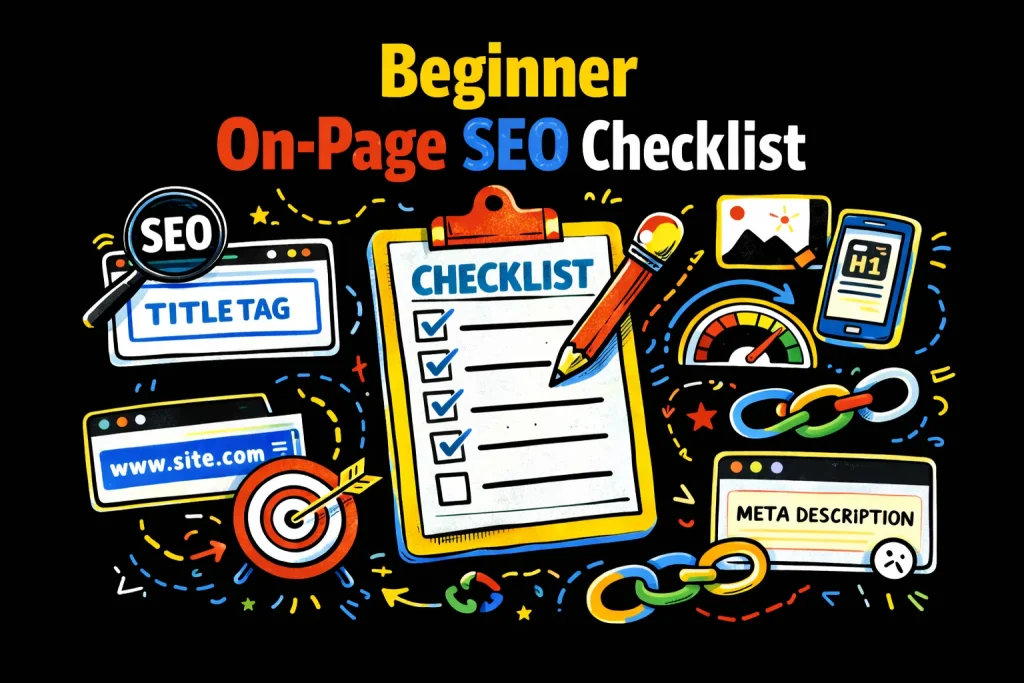
Use this quick checklist alongside a full on-page SEO checklist for 2026:
- ✔ One main keyword per page
- ✔ Clear, unique title tags and meta descriptions
- ✔ One H1 tag only
- ✔ SEO-friendly headings (H2s and H3s)
- ✔ Internal links to related pages
- ✔ Optimized, accessible images with alt text
- ✔ Clean, descriptive URLs
- ✔ Mobile-friendly, fast-loading design
Frequently Asked Questions
What are the most common on-page SEO mistakes?
The most common on-page SEO mistakes include keyword stuffing, missing title tags, thin content, weak internal linking, and ignoring mobile optimization.
How can beginners improve on-page SEO?
Beginners can improve on-page SEO by focusing on keyword placement, content structure, SEO-friendly headings, and user-first content, using guides like the Moz on-page SEO chapter.
How long does it take to fix on-page SEO mistakes?
Most on-page SEO fixes can be done immediately, but ranking improvements usually take weeks as search engines re-crawl and re-evaluate the page.
Should beginners focus on on-page SEO or off-page SEO first?
Beginners should focus on on-page SEO first because it builds a strong foundation before investing in backlinks or off-page strategies, as most beginner frameworks recommend.
Final Thoughts
Avoiding common on-page SEO mistakes is one of the simplest ways to improve website SEO without advanced tools or technical expertise. By focusing on proper keyword placement, SEO-friendly headings, internal linking, content structure, accessibility, clean URLs, and user experience, beginners can create pages that search engines understand and users trust.
On-page SEO isn’t about perfection—it’s about continuous improvement. Fix one mistake at a time, follow best practices from trusted resources like Google Search Central and leading on-page SEO guides, and let your content grow stronger with every update.